> ## Documentation Index
> Fetch the complete documentation index at: https://docs.runchat.com/llms.txt
> Use this file to discover all available pages before exploring further.
# Select
> Create a dropdown input with a list of options that downstream nodes can react to. Useful for publishing user-facing controls in Tools and Apps.
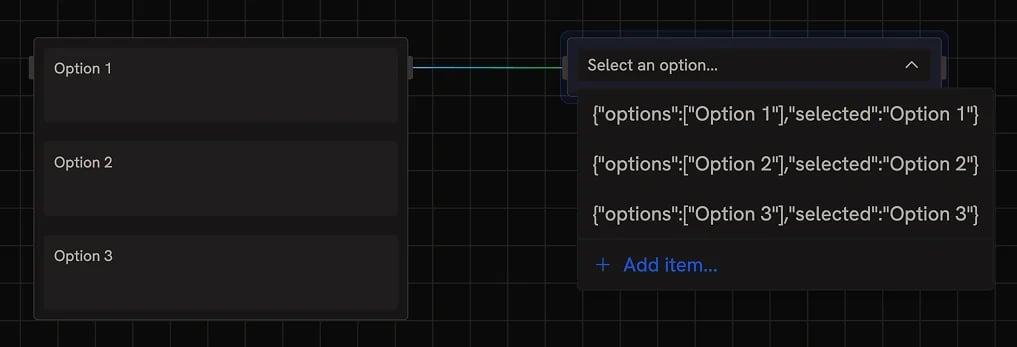 The `select` node allows you to create and select from a list of options.
It works slightly differently to the other input node types. When you connect a list of values to the input, it will create a list of options.
To use the select input, copy this node with the options and paste it onto the canvas. This will save the options while disconnecting the input.
The `select` node allows you to create and select from a list of options.
It works slightly differently to the other input node types. When you connect a list of values to the input, it will create a list of options.
To use the select input, copy this node with the options and paste it onto the canvas. This will save the options while disconnecting the input.