

Open the example workflow
Make a copy of this workflow in your account to try it with your own images.
How it works
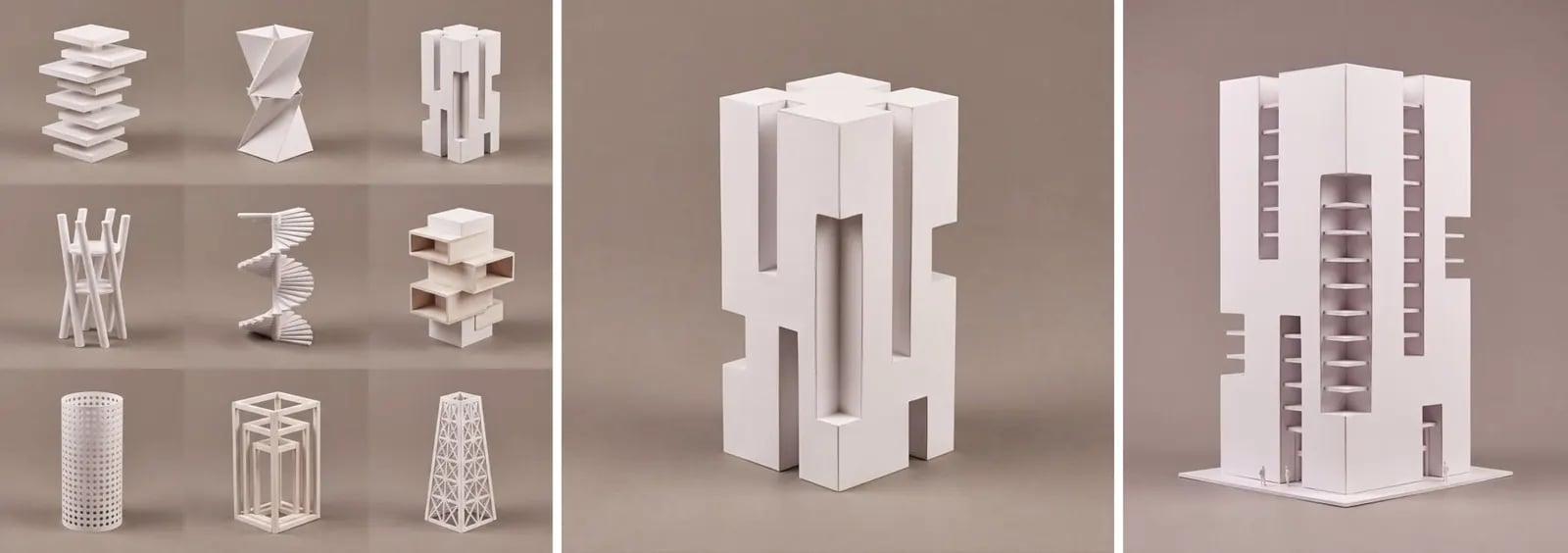
- Grid of options is the 3x3 grid from Concept families.
- Pick option 3 from the grid crops one cell. Change its index to pick another.
- Enhance and develop the selected option (Nano Banana Pro 4K): keep its form, proportions and carved slots exactly, and add the finer detail…