

Open the example workflow
Make a copy of this workflow in your account to try it with your own images.
How it works
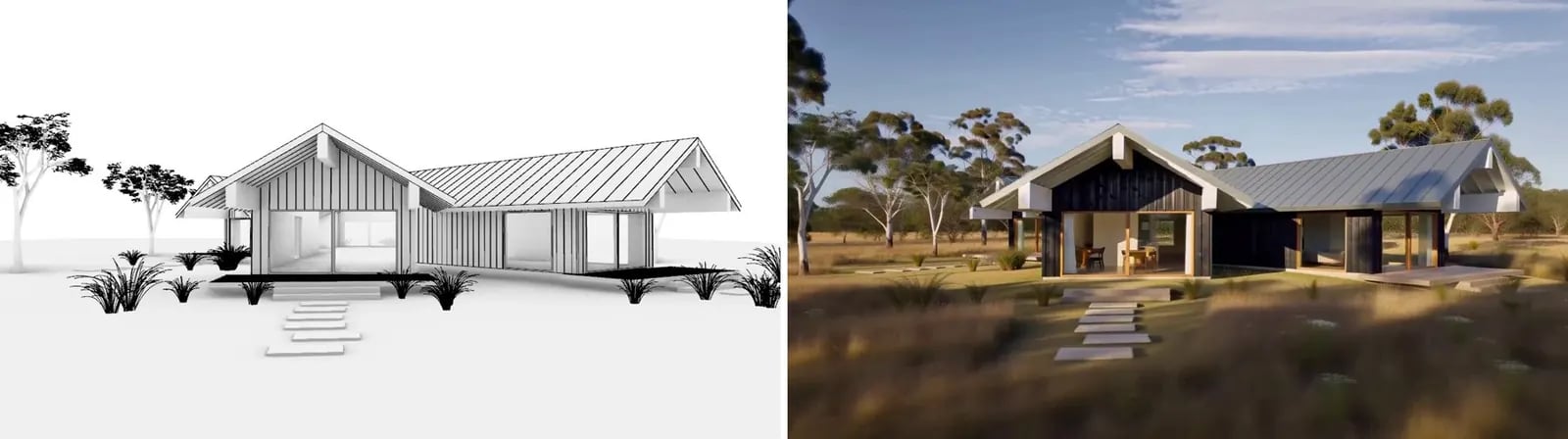
- Rhino animation (mp4) is a 5-second orbit of the house, captured frame by frame in Arctic mode and stitched into an MP4. Any viewport animation, Enscape or Blender export works.
- Style reference is a render of the design.
- Stylise (H3 Max 3D-to-video) treats the model as a proxy and renders the animation with the reference’s materials, meadow and light.
Tips
- Videos can be up to 15 seconds.
- Keep the camera moving smoothly. Sudden jumps read as cuts.