

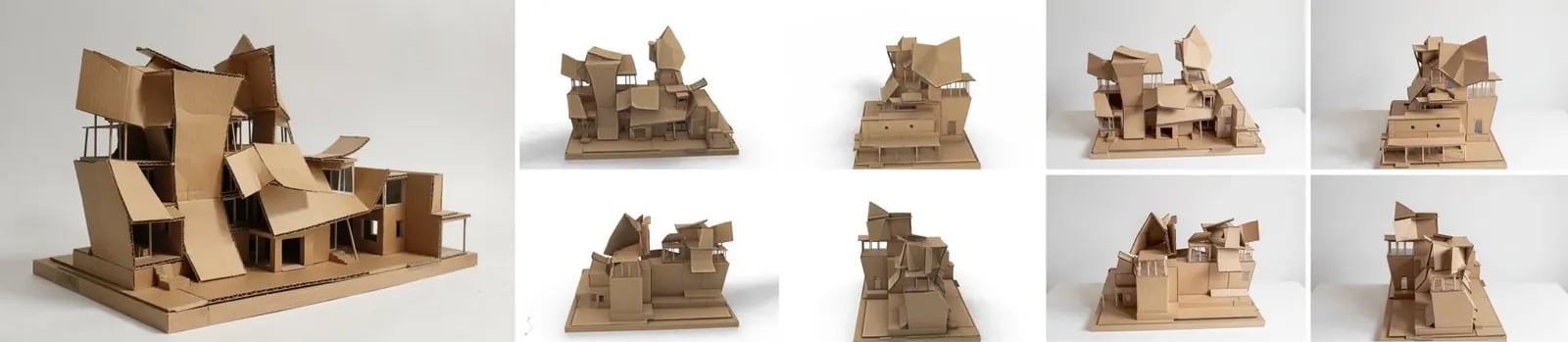
Open the example workflow
Make a copy of this workflow in your account to try it with your own images.
How it works
- Generated concept (Flux 2 Klein) makes the image.
- Image to 3D (Tripo H3.1) converts it into a textured 3D model.
- (optional) Rhino: Import the 3D model into Rhino brings the model in, and Four new angles captures four views as a 2x2 sheet.
- Re-render the four views to match the photo (Flux 3) turns the rough views into photographs of the real model, and Split into four views separates them.
Tips
- Describe the original’s materials and setting in the re-render prompt. The 3D textures are too blurry to carry them.
- See Generate 3D models from images for choosing an image-to-3D model.