

Open the example workflow
Make a copy of this workflow in your account to try it with your own images.
How it works
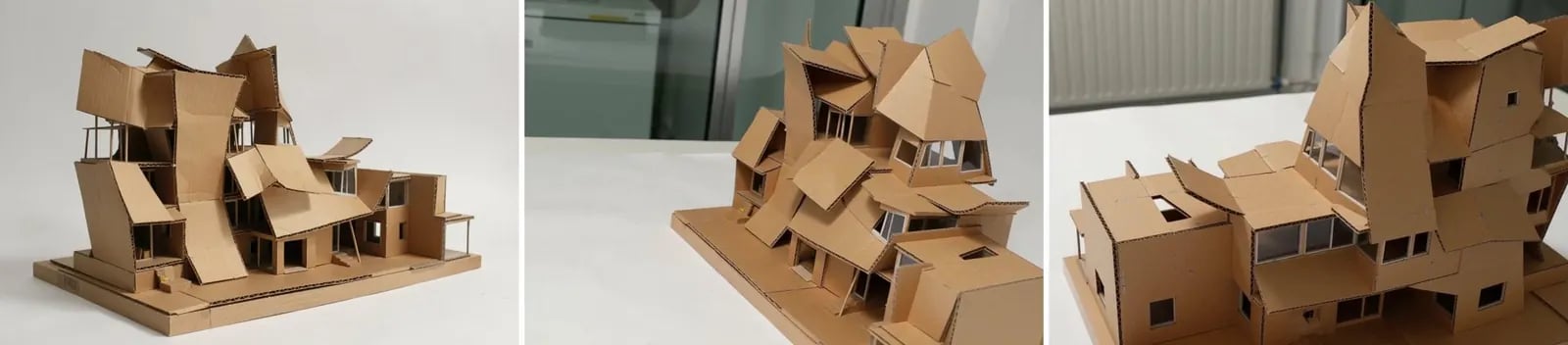
- Generated concept is the starting image.
- Orbit the model 180 degrees (H3 Max camera controls) makes the orbit video. The prompt keeps the scene frozen: only the camera moves.
- Extract side view and Extract back view take the middle and last frames.
Tips
- Frames are video resolution. Run an enhance step if you need print-quality stills.