

.rhp files, no Yak packages.
CAD tools need Rhino 8 or later and Runchat for Rhino 0.3.79 or later. See Runchat for Rhino to install the plugin.
Create a tool
Describe the tool to the agent, in the Runchat panel in Rhino or in any editor. For example:Make a Rhino tool that offsets the selected surfaces by 200 mm and puts the results on a new layer called Offsets.
Make a Rhino app tool that captures my viewport, renders it as a watercolour sketch, and lets me import the result back into Rhino.The agent writes the tool as a CAD Tool artifact and installs it for you. With the Runchat panel open in Rhino, the button appears on your Runchat toolbar within a few seconds, and updates each time the agent changes the tool. If the button doesn’t do what you expected, keep chatting and the agent updates the same tool.
1
Describe the tool
Say what it should work on (the selection, a layer, the whole model) and what it should produce. The agent asks if anything is unclear.
2
Try it in Rhino
Click the new button on the Runchat toolbar, or type its alias (for example
RC_OffsetFacade) on the command line.3
Iterate
Paste screenshots or command line errors back into the chat. Each change is picked up the next time the Runchat panel connects.
4
Publish and share
Publish the tool so teammates or the public can install it from its page.
Use a tool in Rhino
Installed tools appear as buttons on the Runchat toolbar, which you can dock like any other Rhino toolbar.- Click a button to run the tool.
- Type the alias on the command line to run it without the toolbar, or use it in your own macros.
- Right-click a button to open the tool’s docs.
App panels
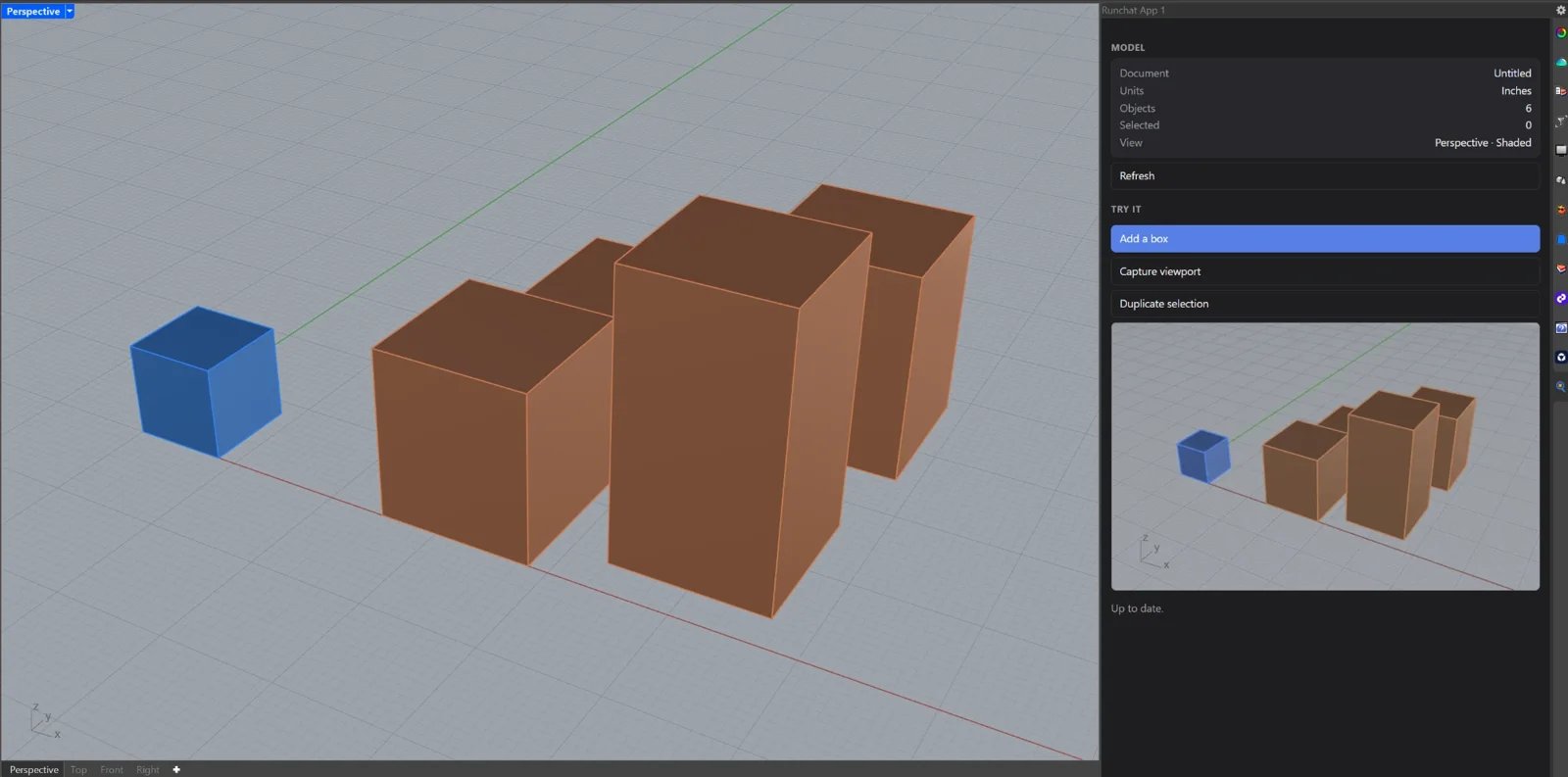
An app tool opens in a Rhino panel named Runchat App 1 to Runchat App 4. The panel tab shows the tool’s icon. Drag the tab to dock it next to Layers or Properties, float it, or open two apps side by side. Close a panel with Rhino’s own tab close button; the next app you open reuses the slot.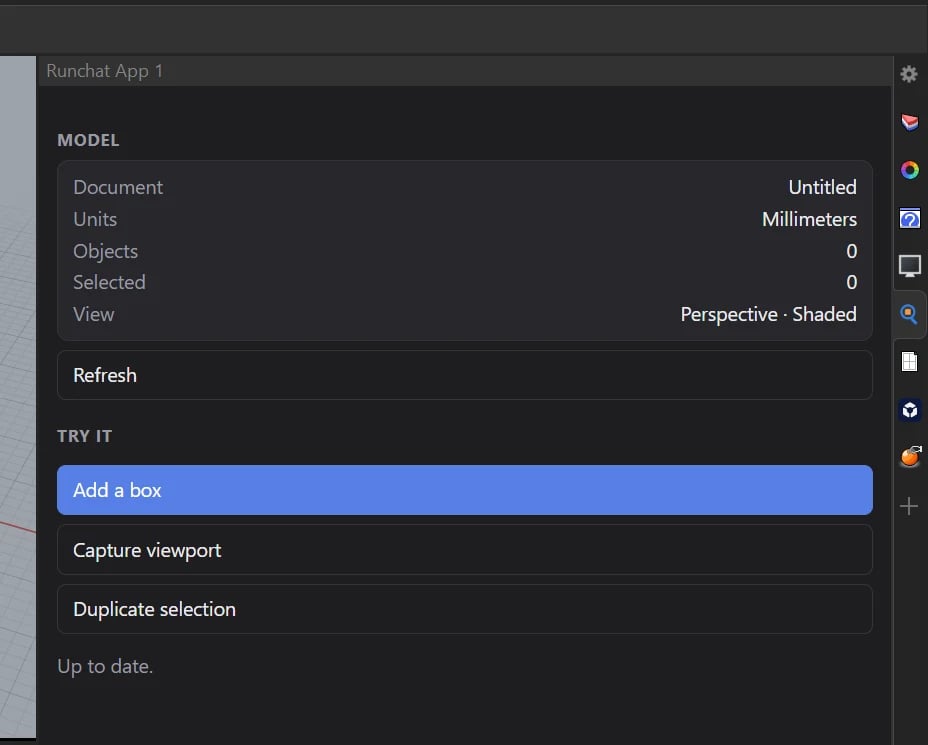
Find and install tools
Every tool has a public page with its icon, description, docs and an Install button. Click Install and the tool appears on your toolbar the next time the Runchat panel is open in Rhino. Click Installed — remove on the same page to take it off. To find your own and your team’s CAD tools, open the Artifacts dashboard and set Type to CAD Tool.Publish and share
A CAD tool is an artifact, so it is published the same way:- Draft tools work only for you. You don’t need to publish a script tool to use it yourself.
- App tools must be published before they open in Rhino, because the panel loads the tool’s page.
- Set Visibility from the tool’s … menu on the Artifacts dashboard: Team shares it with your teammates, Public lists it in the gallery.
How a tool is built
You don’t need to write any of this yourself, but it helps to know what the agent produces when you want to edit a tool by hand. A CAD tool artifact is a folder of files with atool.json manifest:
Script tools
A script tool runs with no inputs, so it works from what’s selected and reports back on the command line:main.py
App tools
An app tool is a Runchat app artifact with one extra:runchat.rhino reaches the Rhino of whoever is using it.
A typical app captures or exports from Rhino, runs a published workflow with
runchat.run, and imports the result:
index.html
runchat.rhino only works for signed-in people who have installed the tool and have Rhino open with the Runchat panel connected. Anywhere else, its calls fail with a message saying why.Troubleshooting
My tool doesn't appear on the toolbar
My tool doesn't appear on the toolbar
Tools sync while the Runchat panel is open in Rhino, so open it (type
Runchat) and check that you are signed in to the account that installed the tool. If the toolbar itself is hidden, type RunchatToolbar to show it.An app tool says it has no app page yet
An app tool says it has no app page yet
App tools open their published page. Publish the tool and the toolbar picks up the page within a few seconds.
A script tool fails
A script tool fails
Errors and the traceback are printed on the Rhino command line. Copy them into the chat and the agent will fix the script.