

Open the example workflow
Make a copy of this workflow in your account to try it with your own images.
How it works
- Linework view with glass shaded holds a Pen-mode capture where every object matching glass, glazing, window is drawn in a shaded mode instead.
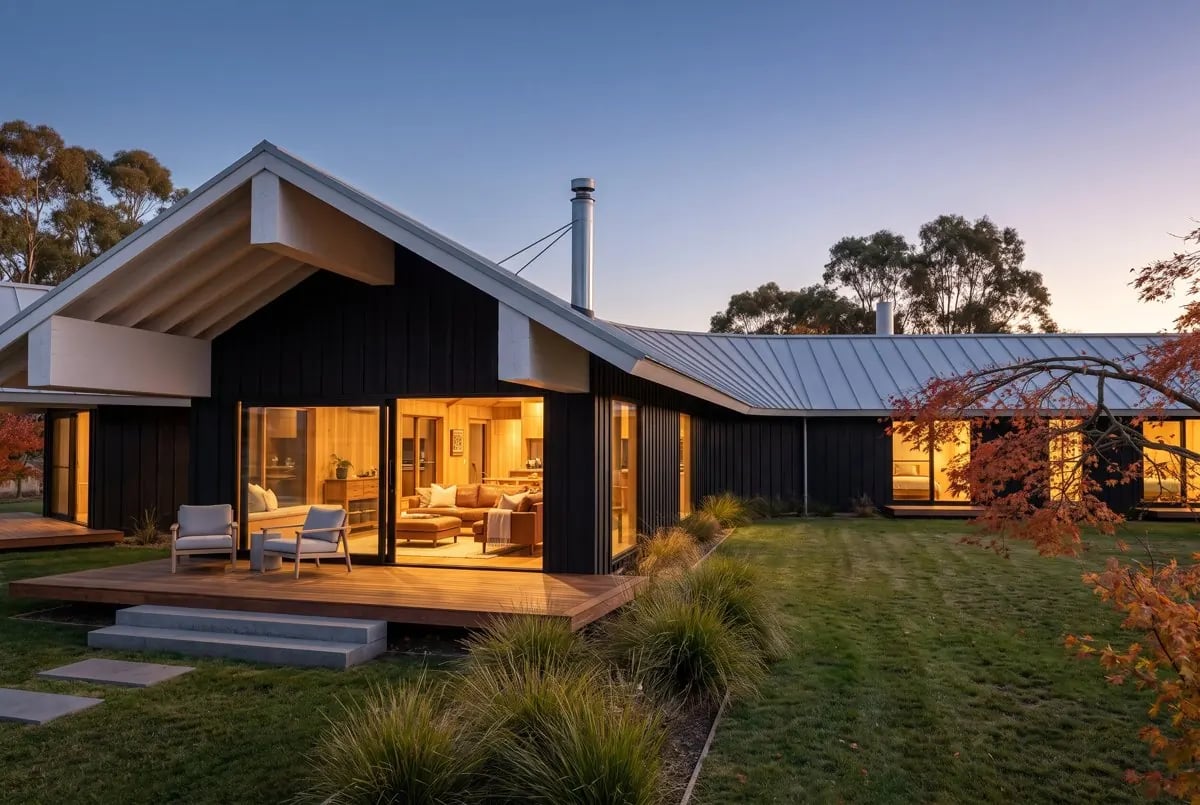
- Render (Nano Banana Pro) turns it into a twilight photograph. The prompt says what the shaded panes are: render the shaded panes as large clear glazed sliding doors and windows with warm interior light glowing through them.
Tips
- The same trick works for any material the model keeps getting wrong: water, planting, a feature wall.
- Change the keywords on the Rhino node to match the layer or material names in your model.