

Open the example workflow
Make a copy of this workflow in your account to try it with your own images.
How it works
- Linework view is the Rhino capture all variations share.
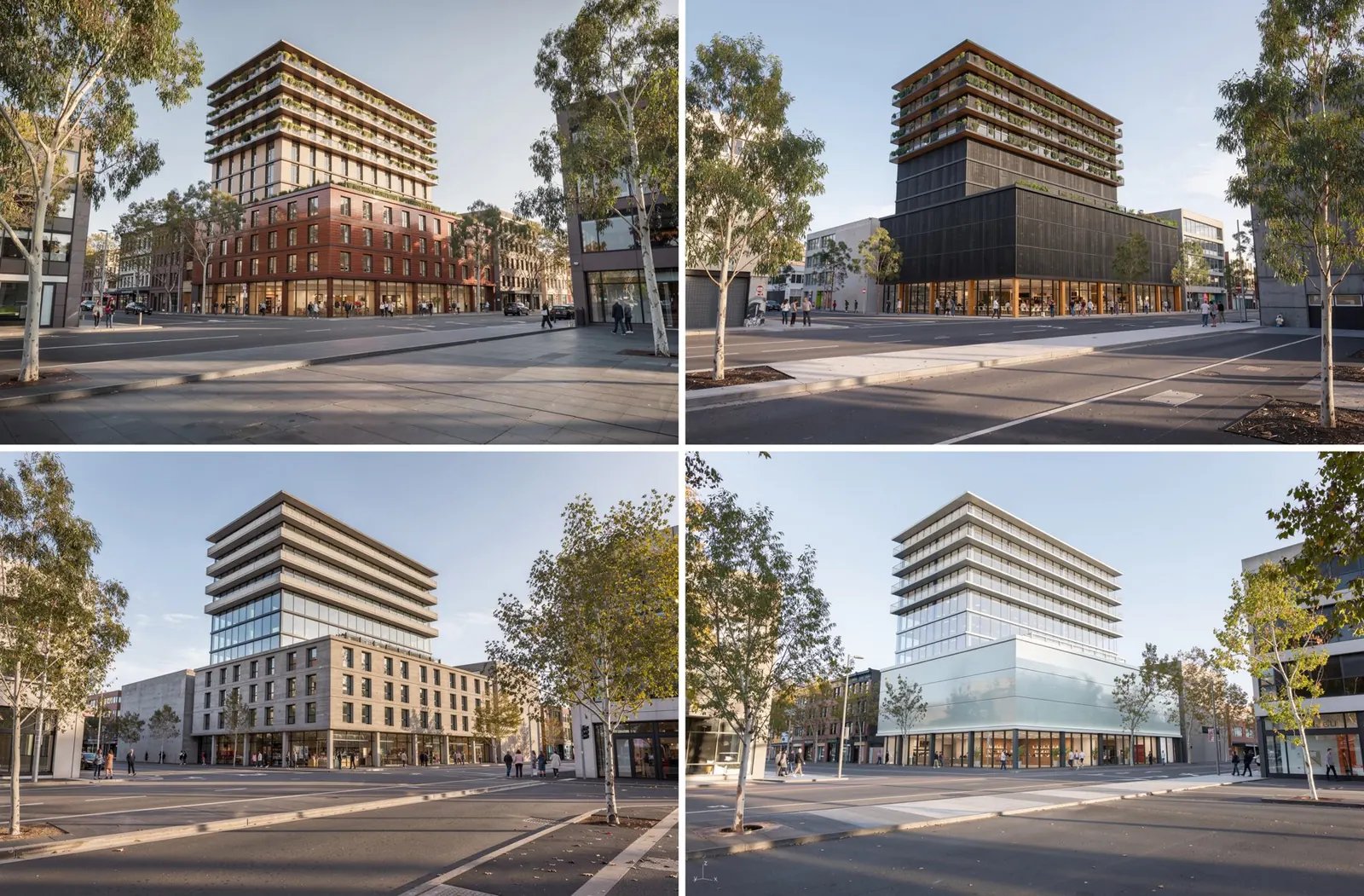
- Design variations is a text input holding a list, one prompt per design: glazed terracotta, pale brick with bronze, and so on. Each keeps the same opening: Keep the camera and every edge of the building exactly as drawn.
- Render each variation (Flux 3) runs once per prompt. See Data matching.
Tips
- Flux 3 holds a line drawing’s geometry most reliably, which is what you want when only the design should change.
- Ask an Agent to write the variations, with its output format set to List.