

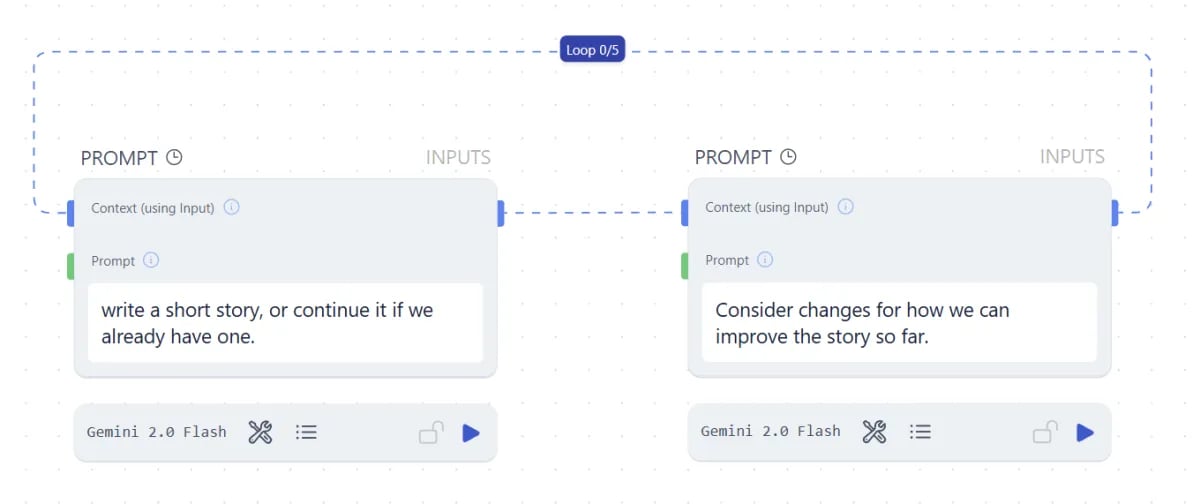
Most of the time you don’t need a loop. Runchat already iterates over each input to a parameter and runs calculations in parallel. Reach for a loop edge only when you genuinely need a recursive flow where the next iteration depends on the previous one.
How loops update the canvas
For loops
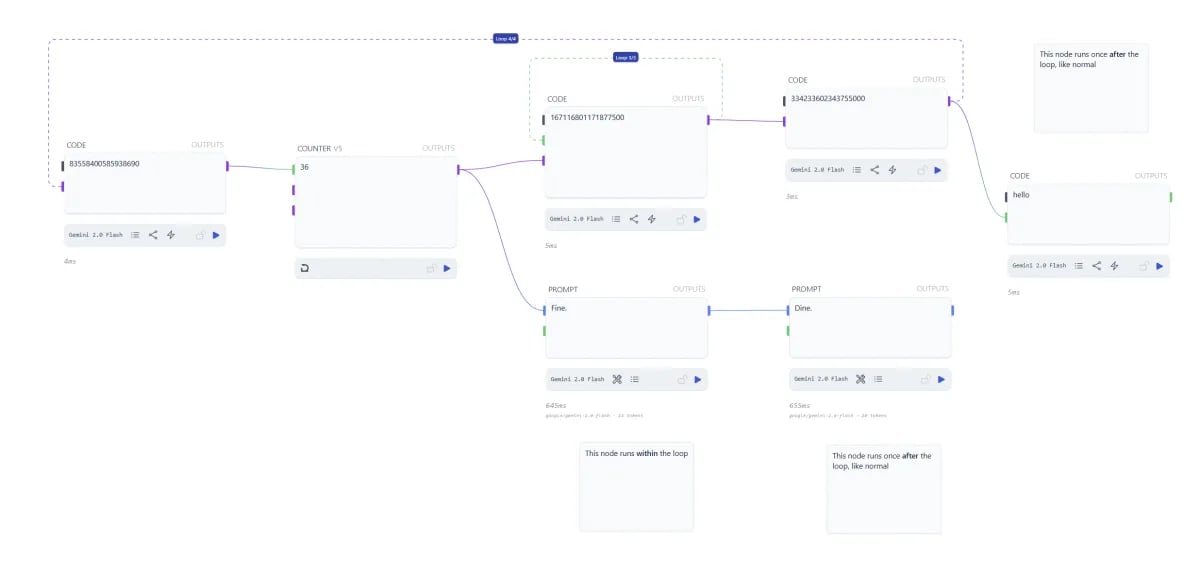
A for-loop runs a fixed number of times. Click the blue loop tag in the centre of a loop edge to set the count, up to 100.While loops
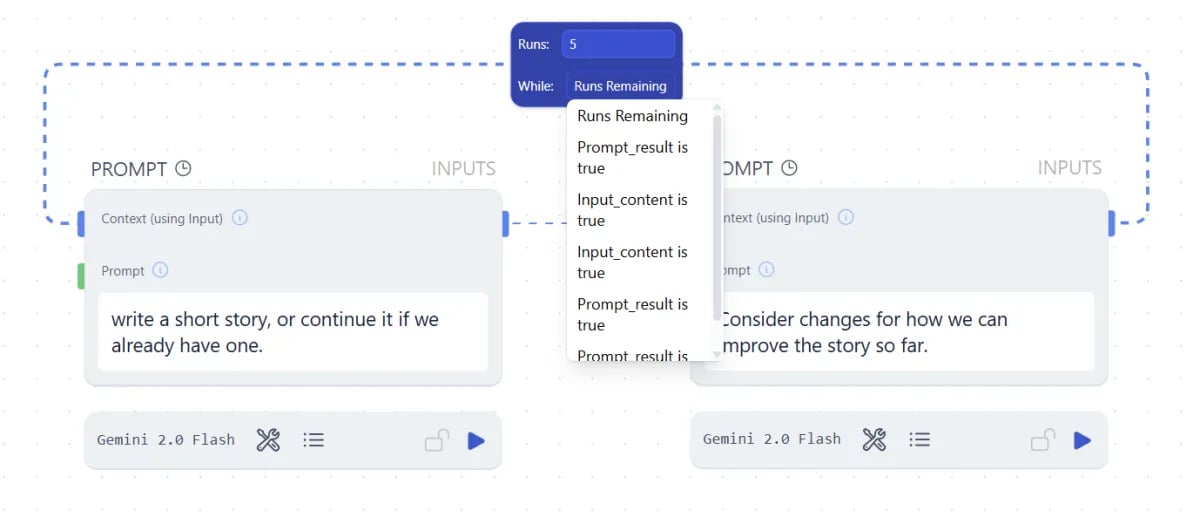
true, the loop continues. When it evaluates to false, the loop stops. Still capped at 100 iterations.
Loops as memory
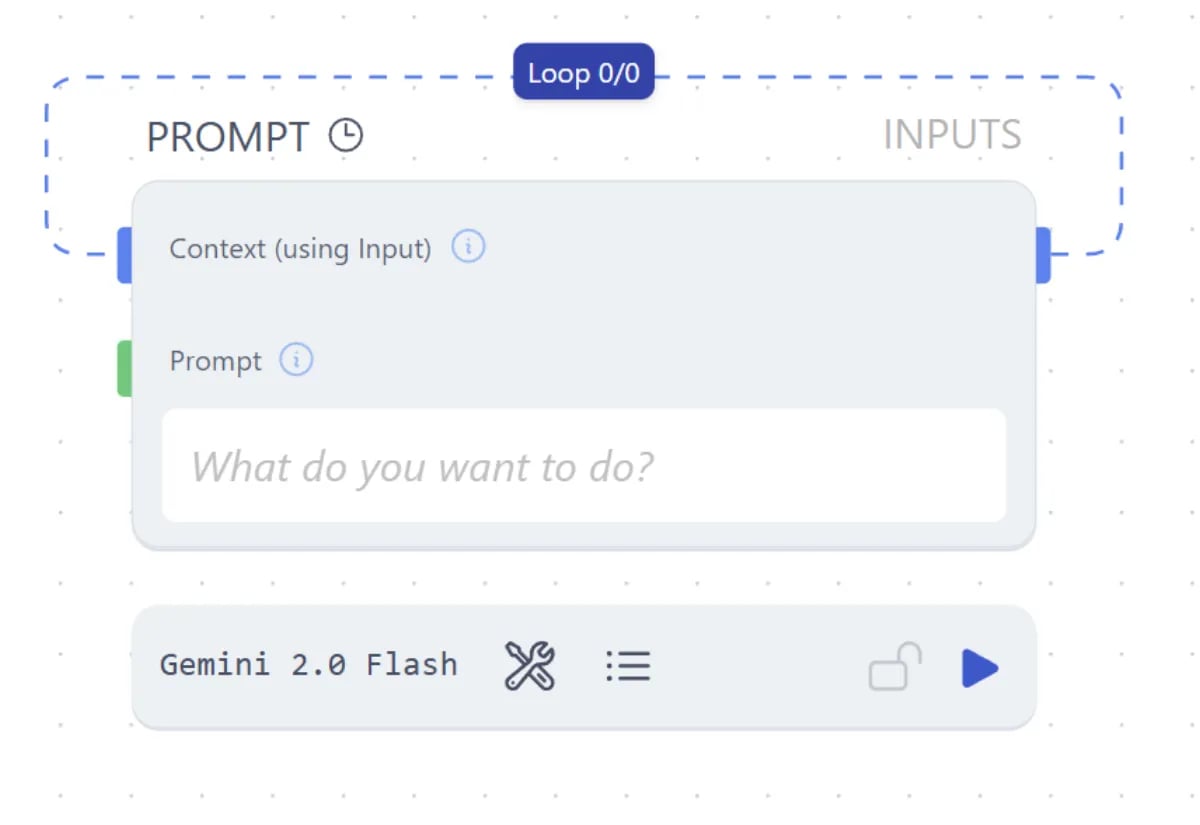
- Building chat history that continues across runs
- Adding to a list over time
- Running counters
- Anything that needs to know what happened on the previous run
Next steps
- Data Matching: how parallel iteration works without a loop
- Routing: branch a workflow based on conditions
- Data Referencing: pull values into prompts without edges