

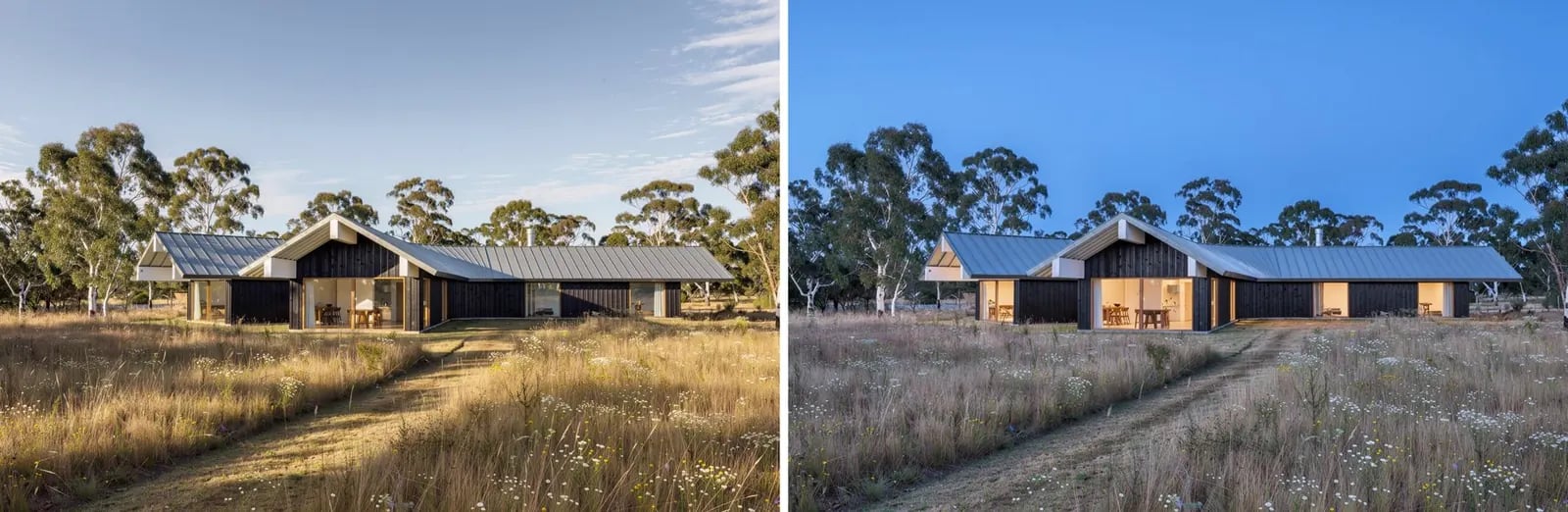
Open the example workflow
Make a copy of this workflow in your account to try it with your own images.
How it works
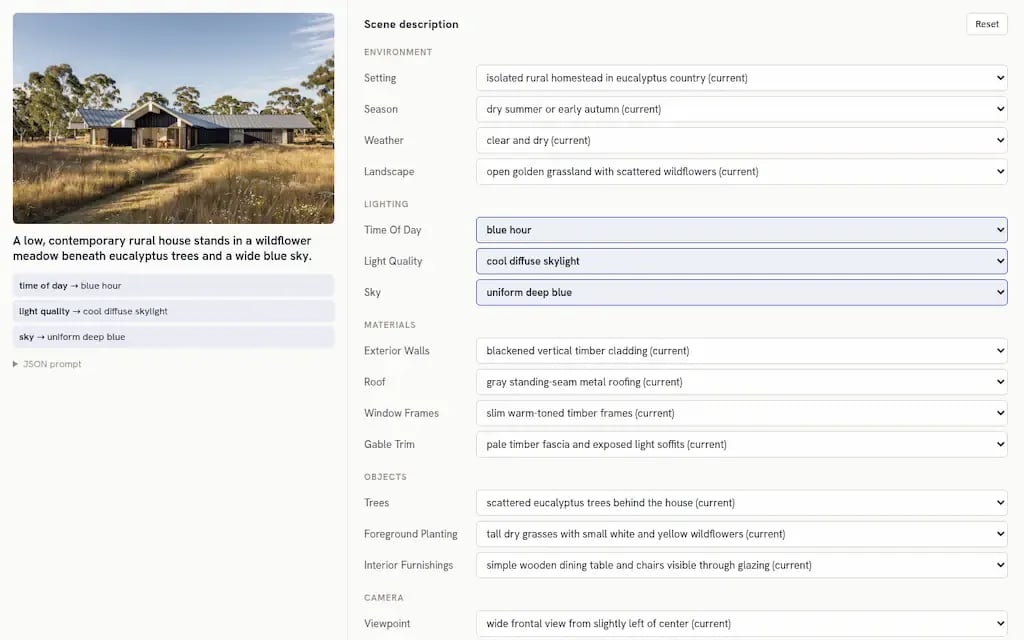
- Describe as JSON is an Agent with a vision model and a JSON output format. It lists 14 to 20 fields across Environment, Lighting, Materials, Objects, Camera and Photography, each with its current value and five alternatives.
- Scene editor is an app that shows every field as a dropdown. Changed fields are highlighted and listed, and you can add free-text notes.
- Render (Flux 3) re-renders the image from the edited JSON and applies only what changed. This example sets time of day to blue hour, light quality to cool diffuse skylight and sky to uniform deep blue, with interior lights on.
Tips
- Run Describe as JSON again after swapping in your own image.
- The same app drives materials, objects and photographic style.